

Installation instructions SerwerSMS.pl and Bitrix24 App
Thank you! Your submission has been received!
Oops! Something went wrong while submitting the form.


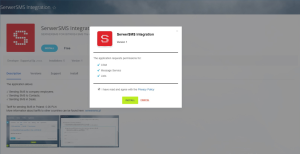
How to install the SerwerSMS.pl application in your CRM system?
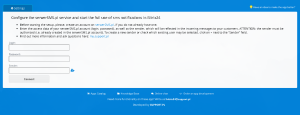
Wymagane dane to “Login API” oraz “Hasło API”. Znajdziesz je w panelu klienta SerwerSMS.pl w sekcji Ustawienia interfejsów -> HTTPS XML API.
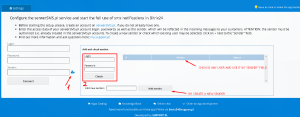
5. From now on, sending SMSs will be available in the cards (profiles) of Deals, Contacts and Companies.
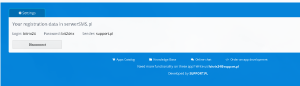
Opcja wysyłki pojawi się w prawym menu aktywności pod przyciskiem “SMS”.
Install the application SerwerSMS.pl + Bitrix24
